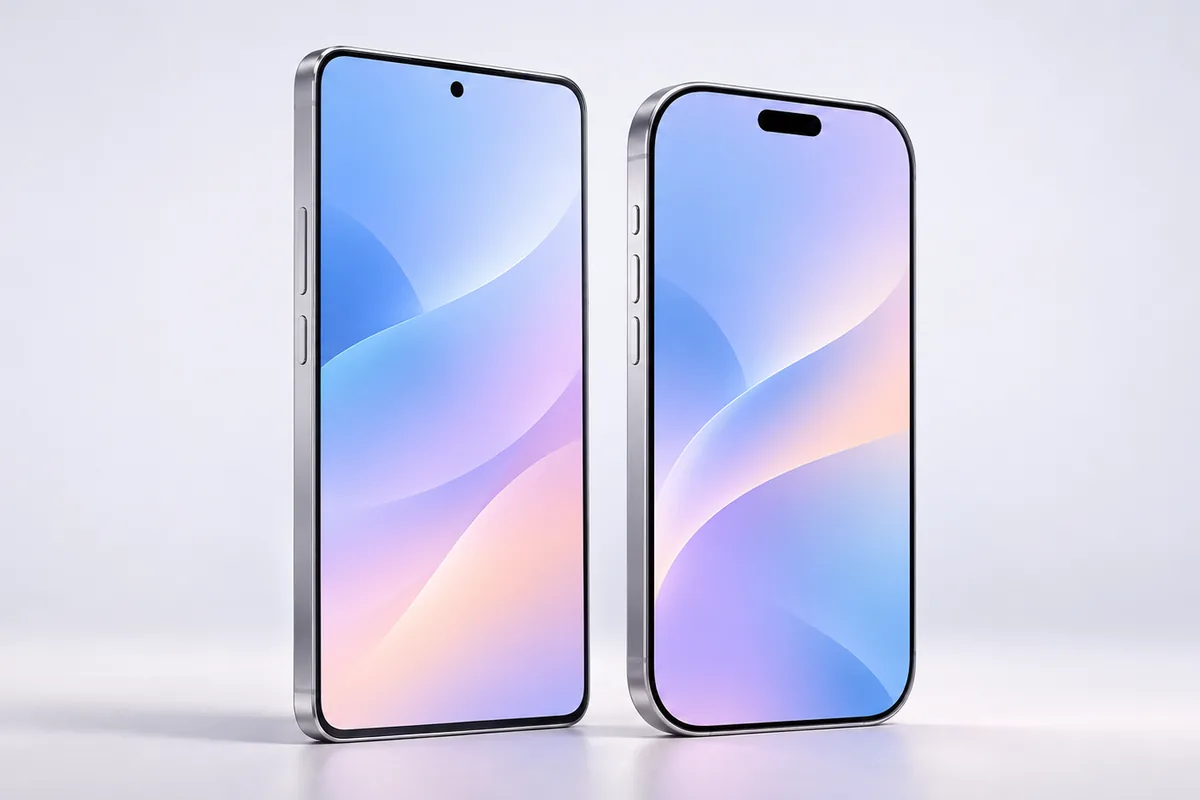
For most people comparing android vs iphone 2026, the better choice is the one that fits their habits, not the one with the longest feature list. Choose iPhone if you value a familiar, consistent experience and already use Apple devices. Choose Android if you want more choice in phone designs, settings, and features.
Start With How You Use Your Phone
Android and iPhone can both handle the basics well: messaging, maps, photos, banking, video calls, and everyday apps. Neither platform is automatically the right choice for everyone. The differences become clearer when you look at what you do repeatedly and what frustrates you about your current phone.
iPhone offers a relatively consistent experience across its models. Menus and features tend to work in familiar ways, which can make switching to a newer iPhone straightforward. Android gives you more variety. A compact phone, a large-screen model, or a foldable can each offer a noticeably different experience, even though they run Android.
That variety also means you should judge Android phones individually. Software design, preinstalled apps, update policies, and camera results can differ by manufacturer. An opinion about one Android phone may tell you little about another.
If your current phone already does what you need, you do not have to switch platforms. Staying put often means less time moving accounts, learning new menus, and fixing small annoyances.
Ecosystem Lock-In: Convenience Has a Cost
An ecosystem is the collection of devices and services that work together. If you use a Mac, Apple Watch, AirPods, iCloud, and an iPhone, their shared features can save time. Photos, passwords, calls, and files may feel easier to manage when everything is connected. That convenience is real, but it can make leaving harder.
For example, moving photos and contacts is usually manageable. Moving years of messages, paid app purchases, watch features, or a carefully organized cloud library may take more effort. Before switching, check which services you rely on and whether they work on the other platform. If cloud storage is part of the decision, start by reviewing ways to free up iCloud storage rather than assuming you need a new phone.
Android can also create lock-in through a manufacturer’s apps, accessories, and cloud services. The difference is that Android usually offers more hardware choices within the platform. Neither ecosystem is a trap for everyone. It becomes a problem when switching would disrupt something important that you did not think to check.
Software Updates: Check the Model, Not Just the Logo
Updates matter because they bring security fixes, bug fixes, and sometimes useful new features. In 2026, it is no longer accurate to assume every Android phone has a short support life. Some newer Google and Samsung models advertise up to seven years of updates, but policies vary by model and the support period generally starts at launch, not when you buy the phone.
Apple has a strong history of supporting iPhones for years, although it does not publish one fixed update promise covering every iPhone model. Older devices may also receive security fixes without getting every new feature. On either platform, an advertised update period does not guarantee that an aging battery or damaged screen will remain practical to live with.
Before choosing a phone, look up its exact model, launch date, and stated security-update policy. That is especially important for a discounted older device: it may have less support time remaining than a newer phone. If you keep phones for many years, software support should be part of the decision, alongside battery health and repair options.
Customization: Freedom Versus Consistency
Android generally gives you more control over how your phone looks and behaves. Depending on the device, you can change the default launcher, adjust the home screen extensively, choose different default apps, and make notifications work more to your liking. Manufacturers also offer unusual designs, including foldables. If those interest you, consider whether a foldable phone makes sense for you before treating the design as a reason to choose Android.
iPhone has gained more home-screen and lock-screen options over time, and it supports some default-app choices. Still, Apple sets tighter limits on certain system behaviors. Some people find that restrictive; others appreciate not having to sort through so many settings or manufacturer-specific features.
More customization does not automatically mean a better daily experience. If you enjoy arranging your phone exactly how you want it, Android has a clear appeal. If you prefer to set up a phone once and leave most things alone, iPhone’s consistency may matter more. Think about whether you will actually use the extra options, not just whether they exist.
Repair Costs and Long-Term Ownership
A phone’s real cost includes what happens after purchase. Screens crack, batteries wear down, and charging ports can fail. Repair costs vary widely by model, location, parts availability, and whether you use an authorized or independent repair service. There is no honest rule that one platform is always cheaper to fix.
With Android, the wide range of models makes comparisons especially important. Parts and repair support may be easy to find for a popular phone but harder for a less common one. Apple has an established repair network in many places, yet some iPhone repairs can still be costly. Check the repair options available where you live before deciding.
Battery life also changes as a phone ages. If your current iPhone is struggling, read about common iPhone battery myths before assuming the platform itself is the problem. A battery replacement may solve an issue that feels like a reason to switch phones.
If you hope to keep your next phone for years, ask three practical questions: How long will it receive security updates? Can you replace the battery locally? And would a common repair still make financial sense?
Cameras, Battery Life, and Everyday Value
Both platforms include phones with excellent cameras, but results depend on the specific model and what you photograph. One phone may suit portraits and video, while another handles zoom or night scenes better. Camera quality also changes with lighting and your preferences. Compare sample photos from the exact phones you are considering rather than relying on an Android-versus-iPhone claim.
Battery life is similarly model-specific. Screen size, brightness, mobile signal, app activity, and battery age all affect how long a charge lasts. A phone that looks impressive on a specification sheet may not last longer during your normal day. Pay attention to reviews that describe realistic use, and remember that a smaller phone may involve a battery trade-off.
Android offers a broader range of devices, so you may find the features you care about without paying for ones you do not. iPhone offers fewer choices, which can make comparison simpler. Value is not just the purchase price: include the accessories you already own, expected support, likely repairs, and the effort of switching. The best value is the phone you can use comfortably for as long as you intend to keep it.
A Practical Way to Decide
Make a short list of what matters most before looking at models. Put everyday needs first: screen size, camera use, battery life, accessibility features, update support, and repair options. Then note which apps, accessories, and services must keep working. This turns a broad platform debate into a choice you can actually evaluate.
- Choose iPhone if you already rely on Apple devices and want a familiar setup with fewer hardware choices.
- Choose Android if you want more control over your phone or a wider choice of designs and features.
- Consider either platform if you mainly use common apps and have no strong ties to an ecosystem.
Before moving, check your backup, important apps, messaging setup, and mobile plan. An eSIM can add a step when transferring service, so this guide to switching phones with an eSIM can help you prepare. Finally, handle the phones if you can. A comfortable size and clear screen may matter more to you than a feature you will rarely use.
Frequently Asked Questions
Is Android or iPhone better for keeping a phone for years?
Either can work well. Check the exact model’s update policy, battery replacement options, and local repair support before deciding.
Will I lose my photos if I switch platforms?
You can usually transfer photos, but the process depends on where they are stored. Back them up and confirm that they appear on the new phone before clearing the old one.
Are all Android phones equally customizable?
No. Android offers more flexibility overall, but settings and features vary by manufacturer and model.
Should I switch just because my current phone has poor battery life?
Not necessarily. Check battery health and replacement options first; an aging battery does not mean the other platform will suit you better.
Final Thoughts
In the android vs iphone 2026 decision, neither platform wins for everyone. iPhone suits people who value consistency and already benefit from Apple’s ecosystem. Android suits people who want more choice and control. Check the exact phone’s support, repair options, and fit with your daily habits before you decide.