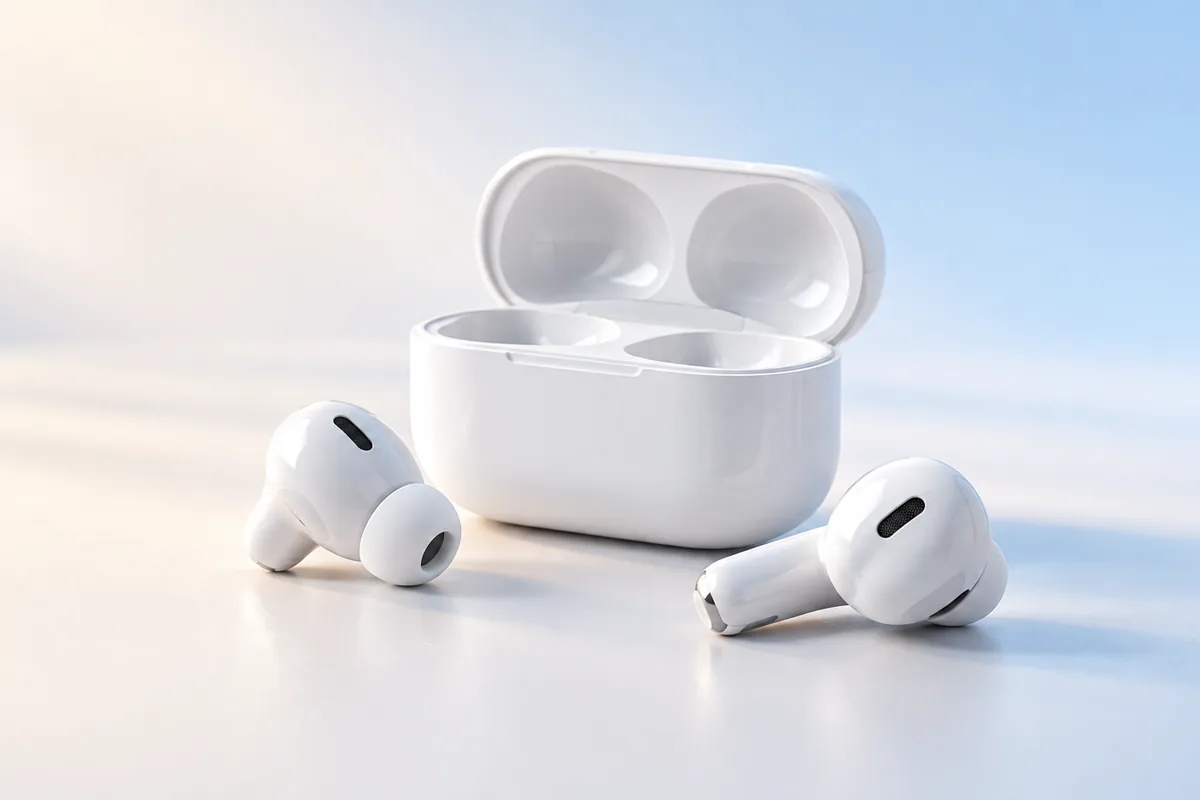
The best budget wireless earbuds 2026 shoppers should consider are the ones that fit securely, sound balanced and last through a normal day—not necessarily the pair with the biggest numbers on the box. We researched the features and widely available models worth comparing, but availability, firmware and value vary by region. Start with fit and sound, then decide which extras you will actually use.
Start With a Sensible Shortlist
There is no single budget pair that suits every ear or every phone. Models worth comparing include the Soundcore P20i and JLab Go Air Pop for basic listening, the Redmi Buds 6 Lite if you want to look at noise cancellation, and the EarFun Air Pro 4 if your budget can stretch for more features. The Sony WF-C510 is another option to compare if its local price falls within your budget. These are starting points for research, not a ranking based on personal testing.
Check the exact model name before comparing reviews or specifications. Brands often sell similarly named earbuds with different features, and a newer number does not automatically mean better sound. Prices and availability can also change enough to alter which pair represents good value.
For most people, a useful shortlist has three pairs: a simple low-cost option, a pair with noise cancellation, and a pair known for a comfortable shape. Compare their return policies, replacement ear tips and app support before making the final choice. Those details can matter more than a long feature list.
Sound Quality: Look Beyond Driver Size
A large driver number does not tell you whether earbuds sound good. Tuning and the seal in your ears have a bigger effect on what you hear. A poor seal can make even bass-heavy earbuds sound thin, while an overly strong bass setting can cover vocals and smaller details.
Look for descriptions of clear voices, controlled bass and treble that does not become harsh at your usual volume. If you listen to podcasts, vocal clarity may matter more than powerful bass. For music, an app with a simple equalizer can help you adjust the sound, though it cannot fix every weakness.
Be careful with claims such as “studio sound” or “high-resolution audio.” A supported codec may help under the right conditions, but the recording, phone, fit and earbud tuning all affect the result. Even an expensive codec is of little use if your phone does not support it.
When reading independent reviews, pay attention to consistent comments about sound rather than one dramatic opinion. Different listeners prefer different amounts of bass. The best budget pair is the one whose sound you can enjoy without constantly changing the volume or equalizer.
Fit and Comfort Can Make or Break a Pair
Earbuds cannot deliver their intended sound if they keep slipping out. Most in-ear models include several silicone tip sizes; try more than one size, even if the tips already fitted seem comfortable. Your left and right ears may need different sizes.
A good seal usually feels secure without painful pressure. It improves bass and helps block ordinary background noise before electronic noise cancellation does anything. If the earbuds hurt after a short session, changing the tips may help. If the body of the earbud presses against your ear, a different shape may be the better answer.
Think about where you will wear them. Small, light earbuds may be easier to use for long calls or study sessions. For walking or exercise, secure fit matters more than a claimed water-resistance rating. Water resistance can be useful for sweat or rain, but it does not make earbuds waterproof; check the exact rating and the maker’s guidance.
If possible, choose a retailer with a clear return policy. Fit is personal, and no specification sheet can tell you whether a particular shell will sit comfortably in your ears.
Battery Life: Read the Small Print
Battery claims often combine playback from the earbuds with extra charges stored in the case. That total can be useful for travel, but the more important number is how long the earbuds run on one charge. Check whether the quoted figure assumes noise cancellation is off and a moderate listening volume.
Real use can shorten the published figure. Louder listening, calls, noise cancellation and some wireless features all use power. If you frequently take long calls, look for battery information specific to calling rather than relying only on a music-playback claim.
USB-C charging is convenient, but “fast charging” is meaningful only when the maker states both the charging time and the playback conditions behind its estimate. Wireless charging is a nice extra, not an essential feature for most budget buyers.
Every small rechargeable battery will wear down with use, so consider the case size and how often you are willing to recharge it. If you also want practical advice for another device you use daily, our guide to iPhone battery myths separates useful habits from common misunderstandings.
Noise Cancellation and Call Quality Are Different Jobs
Active noise cancellation, or ANC, is most useful against steady sounds such as a bus engine or an air conditioner. Budget ANC may reduce that low background noise without making a busy street or nearby conversation disappear. A snug ear-tip seal remains important, whether ANC is on or off.
Transparency mode does the opposite: it uses microphones to let some outside sound through. It can be handy for a brief conversation, but it may sound artificial or amplify wind. Neither mode replaces paying attention when crossing roads or moving through traffic.
Call quality deserves a separate check. A pair can sound pleasant to you but send a thin or noisy voice to the person on the other end. Microphone counts and phrases such as “AI calls” cannot establish how well a pair handles wind, traffic or a quiet room.
If calls matter, seek independent samples recorded in conditions like yours. Give those more weight than a microphone count. If you mostly listen at home, you may get better value from comfortable earbuds with good sound than from paying extra for ANC you rarely turn on.
Bluetooth, Codecs and Gaming: What Matters?
A newer Bluetooth version on the box is not a promise of better music. Connection stability, how easily the earbuds pair with your phone, and whether they stay connected in your usual spaces are more useful questions. Check compatibility with your actual phone, especially before choosing a pair for a particular audio codec.
Most everyday listeners do not need to choose earbuds by codec alone. The basic connection supported by common phones and earbuds is enough for podcasts, video and casual music. Better tuning and fit are usually easier to notice than a codec name.
For gaming, look for a low-latency mode, but treat the advertised delay as a best-case figure rather than a guarantee. The phone, game and connection all affect timing. Video apps can often keep speech and pictures aligned even when a game feels less responsive. Our guide to what matters in a gaming phone can help put that one earbud feature in context.
Multipoint pairing, which connects to two devices at once, can be more useful than another codec if you switch between a laptop and phone. Confirm that the exact model supports it; some earbuds only remember several devices and still require manual switching.
Apps, Controls and Long-Term Use
A companion app can make budget earbuds easier to live with. Useful options include an equalizer, control customization, firmware updates and a way to locate a misplaced earbud when the feature is supported. Check which functions work without creating an account, and whether the app is available for your phone.
Controls should be simple enough to use while walking. If a tap pauses your music whenever you adjust an earbud, customizable controls are valuable. Also check whether you can use either earbud alone for calls; that can be convenient during a long workday.
App permissions deserve a quick look. An earbud app may need Bluetooth access to connect, but you should understand why it asks for other information. If you use an iPhone, these iPhone privacy settings to review offer a broader starting point for checking app access.
Finally, look for signs of practical support: available replacement tips, clear instructions and a stated warranty. Firmware updates can fix problems, but do not purchase a pair on the hope that a missing feature or poor sound will be fixed later.
A Practical Comparison Checklist
Before choosing between two pairs, write down how you will use them most often. Then compare the details that affect that use rather than trying to score every specification equally.
- For music: Prioritize fit, balanced sound and an equalizer you can understand.
- For commuting: Check the ear-tip seal, ANC performance in independent reviews and battery life with ANC on.
- For calls: Listen to microphone samples made outdoors as well as indoors.
- For study or work: Consider comfort, simple controls and multipoint if you switch between devices.
- For exercise: Look for a secure shape and an appropriate water-resistance rating.
If you spend study time switching between a laptop and phone, earbud convenience is only part of the setup. Our guide to choosing a student laptop covers the device you may pair them with.
Make your final comparison using the exact models available to you. Confirm which features are included, read the conditions behind battery claims, and check the return policy in case the fit is wrong. Skip features you cannot use with your devices. That is a more reliable way to find value than choosing the longest specification sheet.
Frequently Asked Questions
What matters most in budget wireless earbuds?
Start with a comfortable, secure fit and sound you enjoy. Battery life, call quality and noise cancellation matter according to how you use them.
Is active noise cancellation worth paying extra for?
It can help with steady background noise during a commute. If you mostly listen in quiet places, fit and sound may be better priorities.
Do bigger drivers guarantee better sound?
No. Earbud tuning and the seal in your ears often affect the listening experience more than driver size alone.
Can I trust the battery-life number on the box?
Use it as an estimate, not a promise. Check whether it describes one earbud charge or includes the case, and whether ANC was off.
Final Thoughts
The best budget wireless earbuds in 2026 are not defined by the loudest marketing claim. Choose a pair that fits, sounds right for what you listen to and has enough battery life for your routine. Compare the exact model and the conditions behind its specifications, then treat ANC, codecs and app features as useful extras only when they solve a problem you actually have.