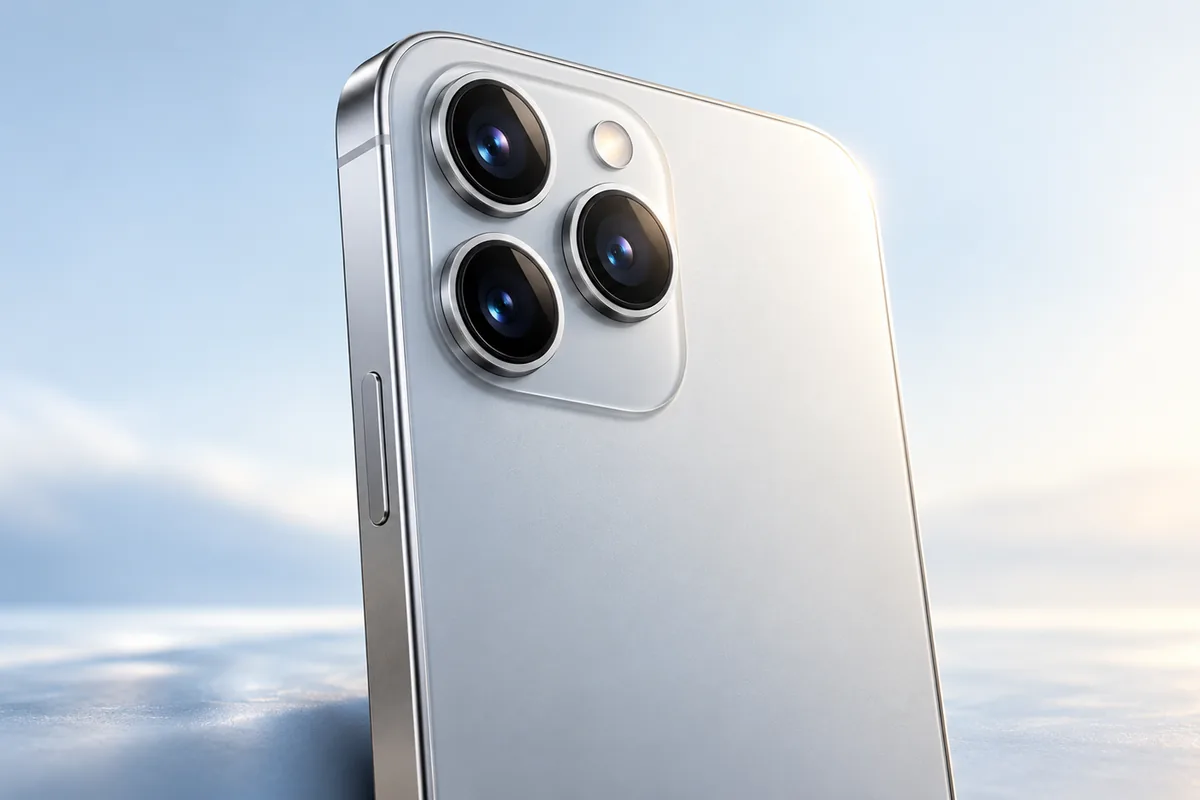
A useful phone camera quality test looks beyond megapixels. Take the same photos and videos on each phone, then check low-light detail, natural color, focus, and video steadiness on a larger screen. We researched simple checks that everyday users can do without special equipment.
Start With a Fair Camera Comparison
Before judging two cameras, give them the same scene. Photograph a person, a building with fine details, and a dim room from roughly the same position. Take each shot within a few minutes so the light does not change. Clean both camera lenses first; a fingerprint can make a good camera look soft or hazy.
Use the standard photo mode and the default zoom setting to begin. Tap the same subject to focus, but avoid changing exposure or applying a filter on just one phone. Later, repeat any test with the modes you would normally use, such as night mode or portrait mode. That shows both what the camera does automatically and what it can do with a little help.
Compare the original files on the same screen at the same brightness. A phone’s display can make its own pictures look more vivid than they really are. Also think about what matters to you: a camera that reliably captures your family or pets may be more useful than one that occasionally produces a sharper landscape.
Look for Real Detail, Not Just Megapixels
Megapixels tell you how many pixels are in a photo, not how well the camera captured it. Lens quality, sensor size, focus, and image processing all affect the result. Even a high-resolution image can look blurry if the phone missed focus or smoothed away fine textures.
For a simple detail test, photograph a page of text, a brick wall, or leaves in daylight. Open the original image and zoom in moderately. Can you read small text? Do leaves remain separate, or do they blend into a painted-looking patch? Look near the edges as well as the center, where some lenses lose sharpness.
Do not judge only by how sharp a photo looks at first glance. Heavy processing can add bright outlines around objects, creating the impression of detail without preserving much of it. Check whether textures look believable at normal viewing size. Similarly, a phone having newer connectivity says nothing about its camera: our guide to whether you need a 5G phone covers a separate decision. Judge the pictures themselves, not unrelated specifications.
Test Low Light Without Expecting Miracles
Low light reveals weaknesses that sunny-day photos can hide. Take one photo indoors under ordinary lamps and another outdoors after sunset where there is some street lighting. Include both bright and dark areas in the frame. A useful camera should keep the main subject visible without turning every shadow into a noisy blur or blowing out every lamp.
Look closely at faces, hair, signs, and dark surfaces. Does the phone preserve detail, or does its noise reduction make everything look waxy? Are colors reasonable, or has a warm room become strangely blue? Try a second shot with a person who moves slightly. Night mode may produce an impressive still scene, but its longer capture can blur moving people or pets.
Give each phone a fair chance by holding it steady and using its normal night mode when it appears. Then check how often you need to retake a shot. A bright-looking photo is not automatically a better one if it has lost the atmosphere of the scene. The most useful low-light camera gives you a clear, believable result with little effort.
Check Color Accuracy and Skin Tones
Phone cameras often make colors more vivid to produce an eye-catching picture. That can be pleasant, but it is worth knowing whether the camera records what you actually saw. Photograph a familiar object, such as a colorful book cover or a piece of clothing, in daylight. Then compare the photo with the object while both are in similar light.
Include a person in some test shots, with their permission. Check whether skin looks natural rather than overly orange, pale, or smooth. Take another photo indoors, where mixed window and lamp light makes color harder to judge. A good automatic camera usually handles these changes without making you adjust settings every time.
Also look for consistency. Take several photos of the same subject as you turn slightly or move between shade and sunlight. Large jumps in color or brightness can make a set of photos frustrating to use, even when one image looks excellent. There is no single color style everyone prefers, so separate personal taste from accuracy: decide whether you like the look and whether you can trust it to stay reasonably consistent.
Try Every Lens, Focus, and Portrait Mode
A phone may have several rear cameras, but they may not perform equally well. Take the same outdoor scene with the main, ultrawide, and telephoto options if available. Look for changes in sharpness, color, and brightness. Repeat indoors: a secondary camera that looks fine in sunlight may become noticeably weaker in dim light.
To check focus, photograph something close, then quickly point the phone at a distant subject. Does it lock on promptly? Try a person walking slowly or a pet that will not sit still. Reliable focus often matters more than extra camera modes because a missed moment cannot be repaired by adding a filter later.
For portraits, inspect the boundary between the subject and the blurred background, especially around hair, glasses, and shoulders. Artificial blur can be attractive, but obvious cutout errors are distracting. These checks matter when comparing different phone designs too; our article on whether foldable phones are worth it discusses broader trade-offs. Whatever shape of phone you prefer, check the cameras you would actually use rather than assuming a longer camera list means better photos.
Record Video While Walking and Talking
For a basic video stabilization test, record the same short route on each phone while walking at your usual pace. Start with the standard video mode, then try any extra stabilization setting. Watch the clips on a larger screen. Look for distracting shakes, sudden jumps, or a horizon that tilts unnaturally. Check whether extra stabilization crops so much of the scene that it becomes hard to frame a person.
Record someone speaking, with permission, and listen to the sound as well. Useful video needs understandable audio, steady focus, and exposure that does not repeatedly brighten and darken as you move. Try turning from a shaded area toward a bright window to see how smoothly the camera responds.
Repeat a short clip indoors. Video can become grainy or blurry in low light even when still photos look good. Longer recording can also use more power, so camera performance is only one part of planning for a day of filming. Our guide to common iPhone battery myths offers context if battery concerns affect how you use your phone.
A Practical Phone Camera Quality Test Checklist
You do not need dozens of sample shots. Spend about ten minutes taking a small, repeatable set with each phone. Keep the original files until you have compared them, because sharing apps may reduce quality. If storage is tight, our guide to freeing up iCloud storage explains options for managing existing files before you delete photos you want to keep.
- Daylight: Photograph fine text or leaves, then check detail at the center and edges.
- Low light: Capture a still scene and a moving person; compare blur, noise, and natural brightness.
- Color: Compare a familiar object and skin tones with what you saw in person.
- Lenses and focus: Try each lens and switch between near and distant subjects.
- Video: Walk while recording, then check steadiness, focus, exposure, and audio.
Do not award a winner based on one striking photo. Note which phone produces results you like most often, especially in the situations you photograph regularly. Consistency is a practical measure of camera quality.
Frequently Asked Questions
Does a higher megapixel count mean a better phone camera?
No. Megapixels measure image resolution, while focus, lenses, sensors, and processing also affect how a photo looks.
What is the easiest low-light camera test?
Take an indoor photo under ordinary lamps and check faces, dark areas, and bright lights. Try a moving subject too, because a sharp night-mode photo of a still room does not tell the whole story.
Should I compare camera photos on the phones themselves?
Use the same screen at the same brightness when possible. Different phone displays can make identical photos look different.
How can I tell whether video stabilization is good?
Record a short clip while walking normally, then watch it on a larger screen. Check for distracting shakes, sudden jumps, and excessive cropping.
Final Thoughts
The best phone camera for you is the one that produces dependable photos and videos in your everyday conditions. Compare original files fairly, pay particular attention to low light and moving subjects, and treat megapixels as just one detail rather than a verdict.